

Plan for services with different rhythms
A nail salon handles visits that can vary greatly in detail. A straightforward manicure, a longer enhancement appointment and a removal with a new service do not create the same working day for reception or technicians. Clear service names and appointment information help the team understand the visit being discussed, rather than treating every booking as an identical slot.
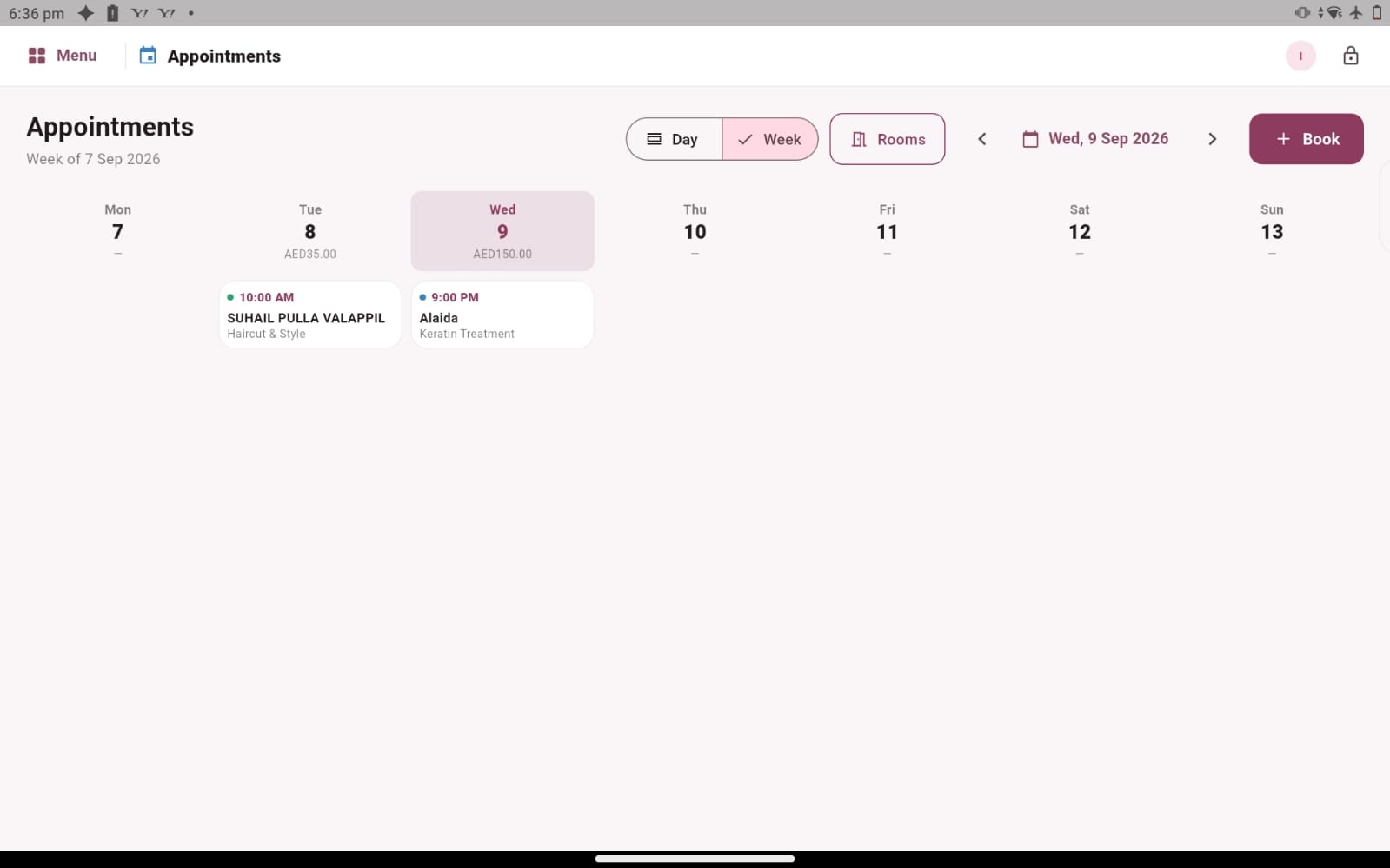
Salozi’s appointment records and day and week views provide a practical place to begin that review. Bring examples from your nail menu and ask to follow them through a demonstration. Explain how you currently discuss timing and technician availability, and identify any special scheduling requirements that need to be confirmed before deciding how the software would fit your studio.
Give returning clients a familiar starting point
Nail services often involve repeat visits, making a clear customer history useful to reception. Salozi’s customer records include appointment history, spending information, loyalty points and the usual stylist field, which you can discuss in the context of your technicians. The aim is to understand which information staff can review before asking the client about the current visit.
Previous activity can support a conversation about the next appointment, but preferences should still be confirmed. A client may want a different service, design or technician today. If your studio needs detailed design notes, client photographs or specialist consultation records, raise those requirements directly. General customer history should not be assumed to include every form of nail-service documentation you may use.
Organise the products behind the service
A nail business may sell aftercare products while also holding materials used by technicians. Salozi’s product area lets you explore product details, prices, barcodes, stock quantities, purchases and suppliers. Use a retail item and a familiar supplier purchase in the demo so the discussion reflects the records your team maintains around the nail services.
Keep retail stock and professional consumption distinct in your requirements. A product sold at reception and a small amount used during a service are different recording situations. Ask how the available workflow handles your needs, and confirm any treatment-level consumption, shade-level tracking or expiry requirements separately. Clear product names and a practical checking routine remain important whichever setup you choose.
Review the visit as a complete business process
A useful demonstration follows one appointment from the initial record to the client profile, the service conversation and checkout. Include the technician associated with the work and discuss how staff sales or commission arrangements are reviewed. This gives reception, technicians and the owner a shared example to assess, rather than showing each person an isolated screen.
At the end, look at the sales records for a chosen period and the information you would use in a regular business review. Explain whether your studio is mainly appointment-based, accepts walk-ins or offers several beauty categories alongside nails. Your actual service mix and team routine should guide the setup discussion, with specialist requirements confirmed before you make a decision.
PRACTICAL QUESTIONS
Before you choose your software
Is this guide relevant to a nail bar inside a beauty salon?
Yes. Explain which nail services share reception, staff records or checkout with the wider beauty business. Use an example involving both areas during the demo. That helps you assess the information handover and identify whether your requirements need a broader beauty-salon workflow.
What examples should a nail technician bring?
Bring a short service, a longer visit, a returning client and a product the studio sells. Describe the details you normally need before starting work. These examples make it easier to assess the records and to distinguish everyday administration from specialist treatment notes or resource scheduling that must be confirmed.