
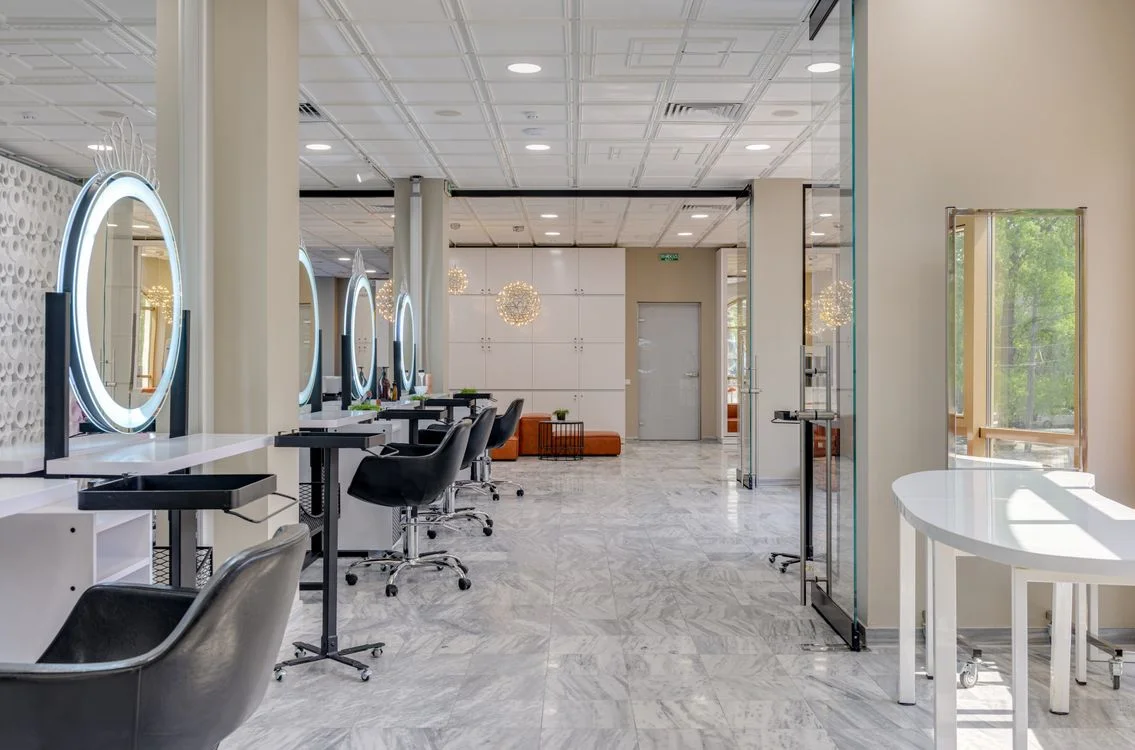
Organise the work around every chair
A hair salon balances creative work with a constant flow of practical decisions. Reception needs to understand the next appointment, stylists need useful customer context, and the owner needs records that can be reviewed after the last client leaves. A haircut, a colour appointment and a styling visit may all follow different rhythms, but each needs a clear route through the business.
Salozi brings appointments, customer information, staff records, products and sales into the software conversation. Start by identifying which handovers cause the most questions in your salon. It may be a booking change, confirming the stylist associated with a visit or checking what should appear at checkout. These are useful places to begin a demonstration because they connect directly with the work your team performs every day.
Prepare for planned visits and returning clients
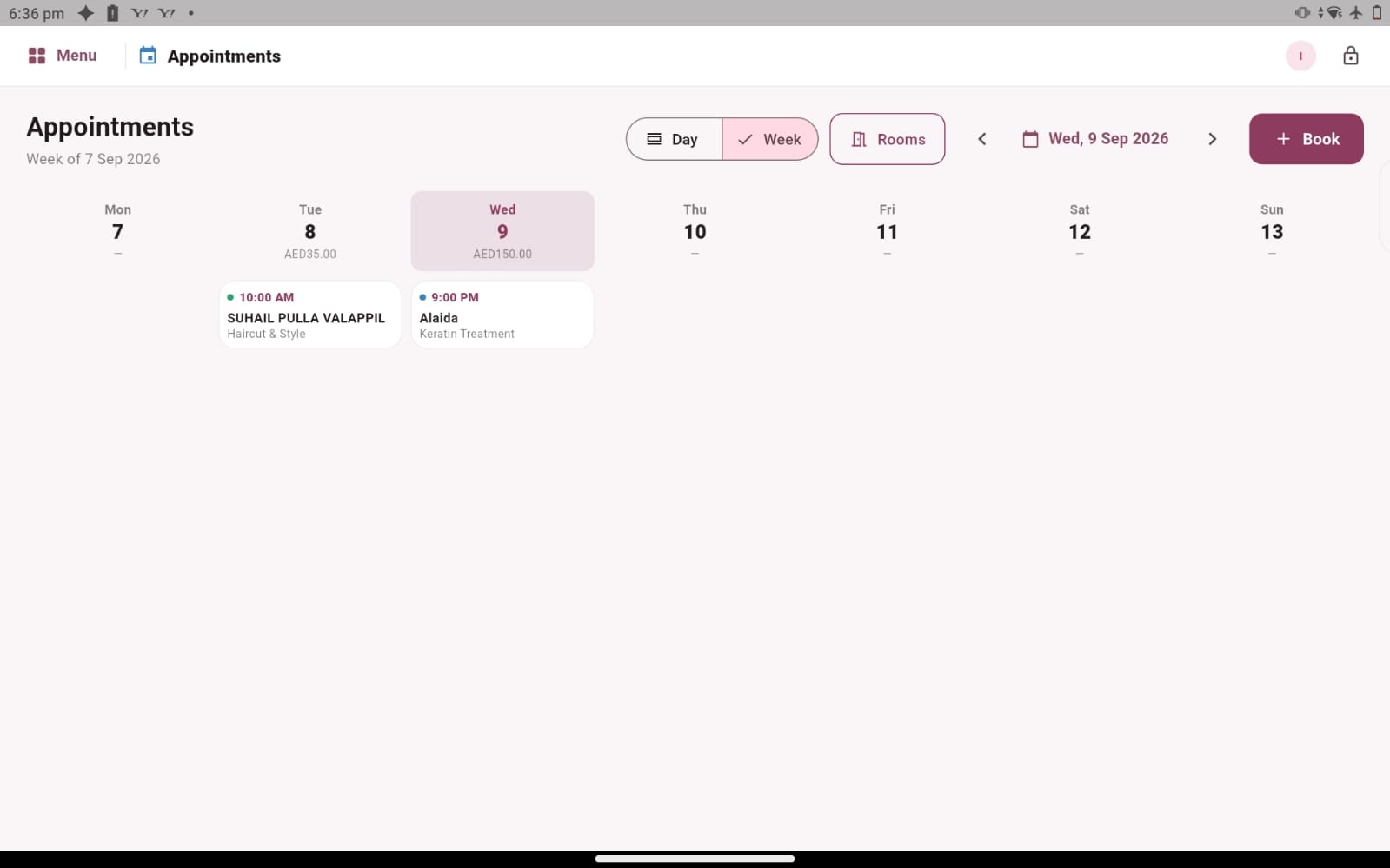
The appointment book provides day and week views for reviewing booked services and times. Before the first client arrives, your team can look at the day ahead and discuss the visits that need preparation. During the demo, use examples from your own service menu so you can assess the information in the language your reception and stylists already understand.
Customer records add another layer of context through appointment history, spending information, loyalty points and the usual stylist. Review those details before a conversation, then confirm the client’s wishes for the current visit. If you need detailed colour formulas, consultation forms or a specialist patch-test record, raise those requirements separately and confirm the available fields rather than assuming that general customer history covers every technical need.
Connect the service experience with products and checkout
A client may leave with both a finished style and a product recommended by the team. That makes the retail shelf part of the salon’s administrative workflow. Product details, prices, barcodes, quantities and purchase records help you explore how the business keeps its products organised. Use a familiar shampoo or styling item in the demo and ask to follow the record from the product area to the sales conversation.
The same visit also offers a useful way to assess appointment checkout and staff information. Confirm the services actually provided, review the transaction and discuss how the associated staff sales and commission rules are checked. These connected examples show whether your team can follow a complete customer visit without losing sight of the practical details at each handover.
Choose the setup through a realistic salon walkthrough
Bring a small sample of the work your salon handles: a short service, a longer appointment, a returning client, a retail product and a staff commission arrangement. Ask to review the day’s recorded activity at the end. This creates a demonstration that resembles your business and gives reception, stylists and management different opportunities to ask useful questions.
Your salon’s service durations, team responsibilities and customer communication routines should guide the discussion. Explain any need for online bookings, reminders, multiple locations or specialised stock consumption before deciding. Salozi’s visible workflows provide a practical foundation to explore, while a conversation about your exact requirements helps establish the setup, scope and pricing that would fit your hair salon.
PRACTICAL QUESTIONS
Before you choose your software
Is this relevant for an independent hairstylist?
Yes, the core administrative questions still apply even when one person manages appointments, services and payment. Describe the amount of work you handle and focus the demo on the steps you repeat most often. You can assess customer records, appointments and sales without assuming you need a large-team process.
What if we provide beauty services as well as hair?
Tell us about the full service mix. The ladies’ beauty salon guide explores businesses with several beauty categories. Use examples that cross those categories during your demo, especially if different team members contribute to one visit or your reception needs to explain a combined service arrangement.