
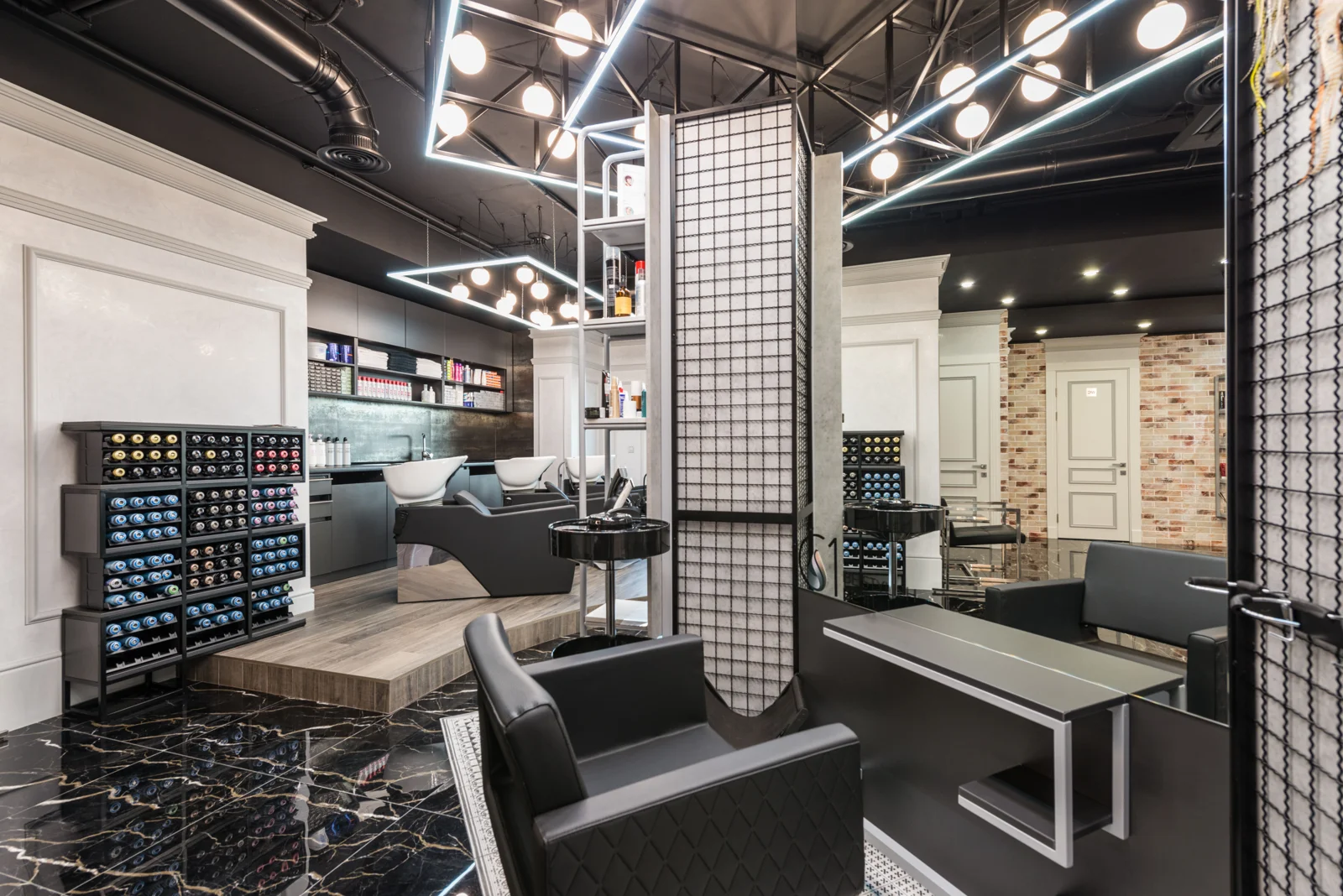
Keep a busy grooming day understandable
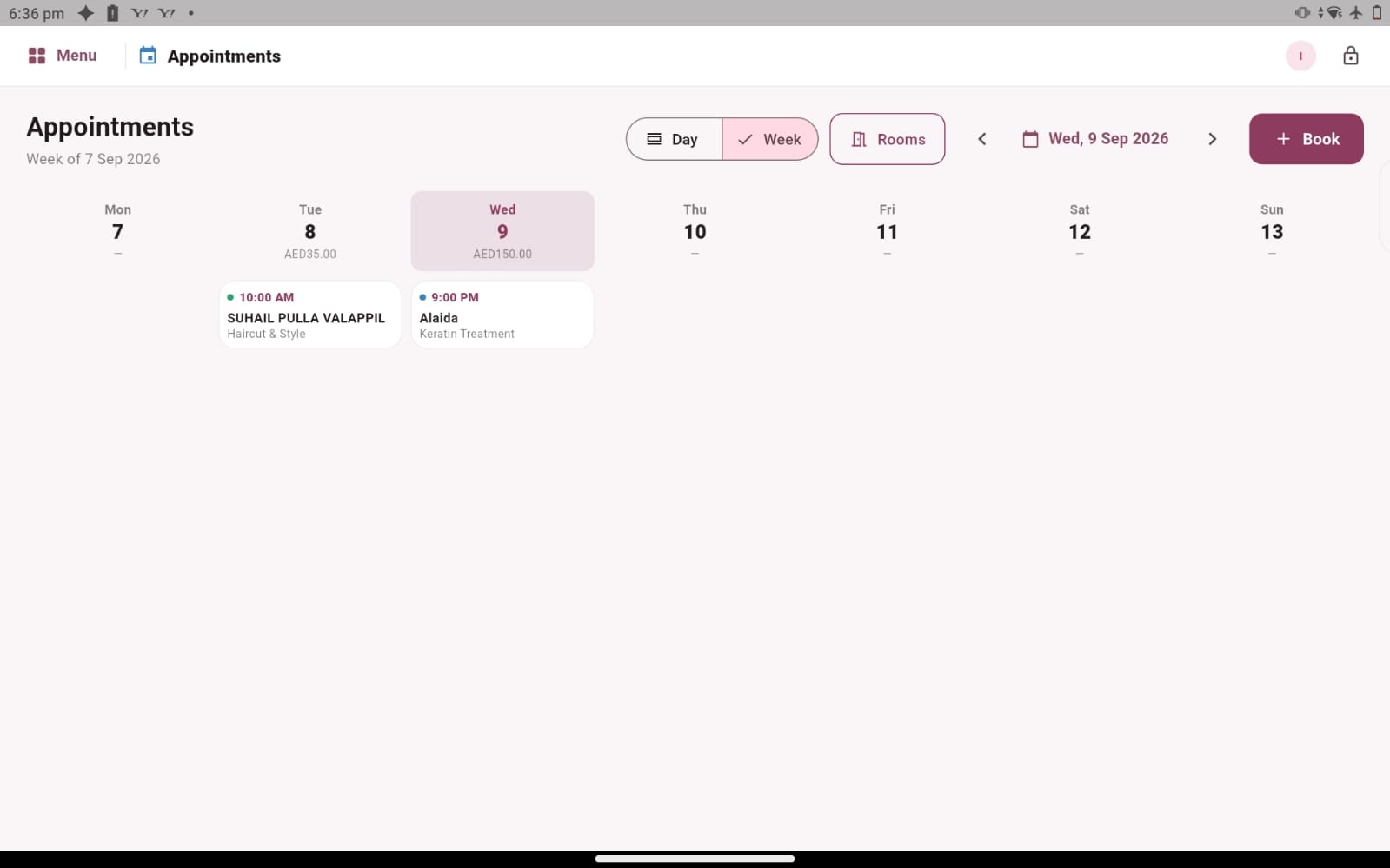
A barbershop can move quickly from a quiet opening to a full reception area. Some customers arrive with appointments, others ask about availability, and regular clients may want a particular barber. The team needs a clear way to discuss the day without interrupting every service to answer an administrative question. Salozi’s appointment, customer and sales records give you practical workflows to explore for that environment.
Start by describing how your shop balances planned visits and walk-in customers. Explain who answers booking enquiries, how barbers learn what is coming next and who handles checkout. The goal of the demonstration is to follow those everyday handovers. If a live walk-in queue or a specific chair-allocation workflow is essential, ask to confirm it separately from the appointment calendar shown on the website.
Make repeat visits easier to recognise
Regular customers often return because they know the team and enjoy a familiar experience. Customer records can provide useful context through previous appointments, the usual stylist or barber, spending history and loyalty points. Reception can review the relevant profile before discussing the next visit, then confirm what the customer wants today rather than relying on an old assumption.
Use a returning customer as one of your demo examples. Ask how the team would find the correct record, review the visit history and move into the appointment conversation. Include a case where the usual barber is unavailable, so you can discuss how your own team would communicate the options. Software can organise the information while the personal conversation remains with your staff.
Review barber sales and commission arrangements
When several barbers work in the same business, clear staff records help management understand the activity recorded against each person. Salozi includes staff profiles, sales information and commission percentages, with service-specific rates available to explore. These records provide a starting point for explaining your existing arrangements and reviewing the practical steps needed to maintain them.
Choose examples that reflect your menu, such as a haircut, beard service or combined visit. Describe the commission rules and ask to review the associated sale. A useful discussion also considers who checks the figures and when questions are resolved. Attendance, payroll and unusual commission calculations should be discussed as separate requirements rather than inferred from a staff sales screen.
Connect checkout, retail products and the day’s review
A grooming visit may finish with a service payment and a styling product purchase. Product records with prices, barcodes and quantities help you explore how your retail range is organised, while sales summaries provide a way to review the recorded activity afterwards. Bring an item your shop sells regularly and ask to see the information that reception would use when explaining it to a customer.
At the end of the walkthrough, review a selected reporting period and the transactions behind it. Compare the software’s presentation with the questions you usually ask at closing time. Whether you run a neighbourhood shop or a larger grooming salon, a good evaluation should make the daily process understandable to the people using it, including the barber, receptionist and owner.
PRACTICAL QUESTIONS
Before you choose your software
Can we discuss both appointments and walk-ins?
Yes. Describe the mix your barbershop handles and ask to follow both situations during the demo. The website shows appointment records and checkout; any dedicated queue management or other walk-in-specific requirement should be confirmed for your setup before you decide how the shop will use the software.
What should the owner bring to the demo?
Bring your service menu, team size, a sample commission arrangement and one or two questions from your end-of-day review. If barbers also handle payment, say so. These details help focus the walkthrough on the handovers that matter in your particular shop rather than a generic reception process.