
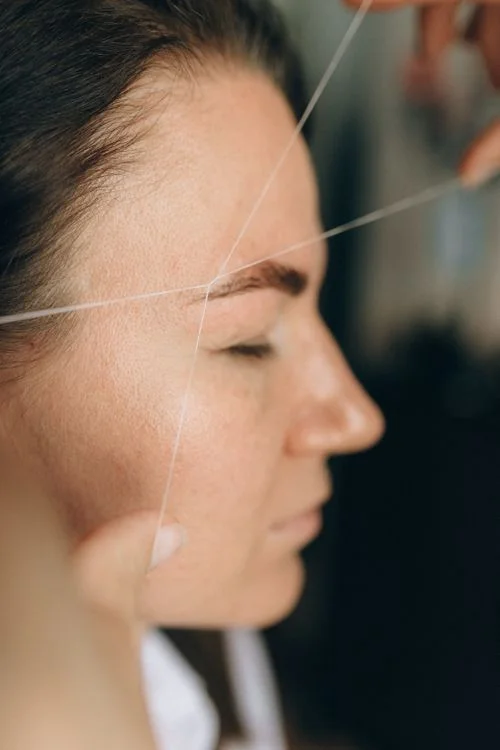
Give specialist work an organised business foundation
Lash and brow studios often build close relationships with clients through focused services and repeat visits. The professional work may be highly specialised, while the administrative questions remain familiar: what has been booked, who is returning, which team member is involved and what needs to be recorded at checkout. Salozi offers appointment, customer, staff and sales areas that you can explore around those everyday questions.
Begin the demonstration with your actual service menu, whether it centres on lashes, brows or a combination. Describe the difference between the visits your team handles and the information reception needs before confirming a time. A focused example is more useful than assuming that every beauty appointment requires the same preparation or follows the same pace.
Keep repeat-visit context close to the appointment
A returning client may ask for a familiar technician or discuss a different service from the previous visit. Customer records in Salozi provide appointment history, spending and loyalty information that can support the conversation. Ask to see how the relevant profile is found and reviewed before the appointment is discussed, including the field used for the customer’s usual stylist.
Treat that history as context rather than a substitute for the current consultation. Your team should still confirm the service requested and follow its own professional procedures. If your studio needs detailed lash maps, client photographs, patch-test records, consent forms or treatment-specific notes, list those requirements explicitly. The general customer and appointment records shown here do not establish that every specialist documentation need is included.
Understand the records around each completed visit
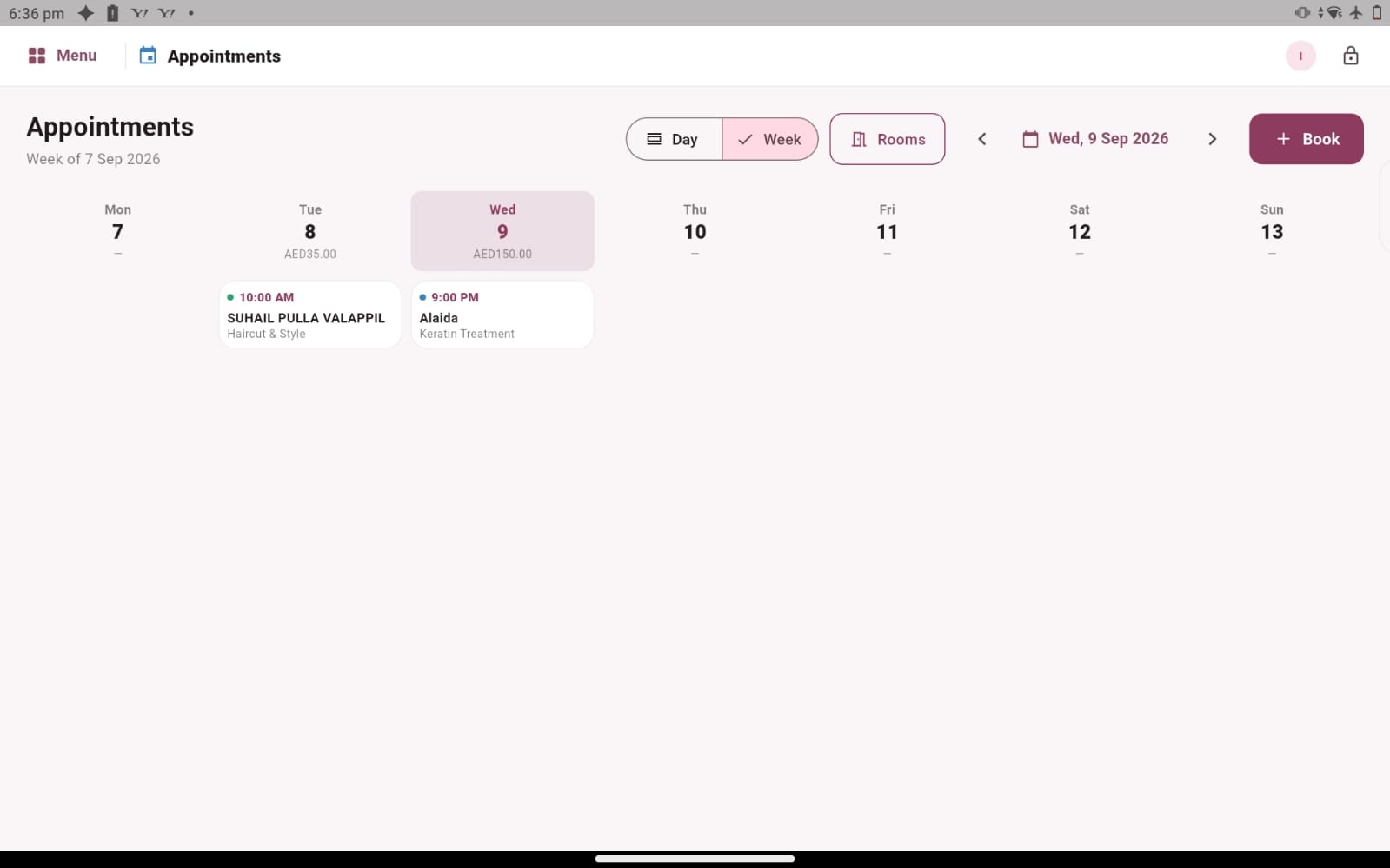
After a service, reception needs a clear understanding of what was provided and how the sale should be completed. Salozi provides a route from an appointment to checkout, alongside staff sales and commission records that can be explored with your existing arrangements. Follow a complete visit in the demo so you can assess the handover between technician and reception.
If your studio sells aftercare products, include one in the example. Product details, prices, quantities and supplier records provide a way to discuss that retail activity. Explain how you distinguish items sold to clients from materials used by technicians, and confirm any specialist consumption tracking separately. The aim is to understand the records around the service without making assumptions about how technical treatment details are managed.
Plan loyalty and growth with a clear routine
Repeat visits make customer relationships important, but a loyalty arrangement should remain easy to explain. Salozi shows loyalty points with customer records and includes voucher and package areas that you can review if those offers fit your business. Bring one idea and ask how a team member would check the information when a client asks about it.
Whether you work independently or with several technicians, choose a routine that suits the amount of administration you actually handle. Discuss who maintains client details, who reviews staff information and which sales questions you need to answer regularly. Also explain your requirements for reminders, online bookings or other specialist tools before selecting a setup. That keeps the decision connected to your studio’s current work and realistic next steps.
PRACTICAL QUESTIONS
Before you choose your software
Can a brow-only studio use this as a starting point?
Yes. Focus the walkthrough on your brow service menu, repeat clients and checkout routine. You do not need to include lash examples if they are irrelevant to your business. Bring the records you rely on today and ask which parts can be represented in the available workflow.
Should we bring our consultation process to the demo?
Yes. Explain which details are essential before and after a service, and separate those specialist needs from basic contact and appointment information. Ask to confirm the fields and processes available for your setup. This helps you assess the software without confusing general client administration with professional treatment documentation.