
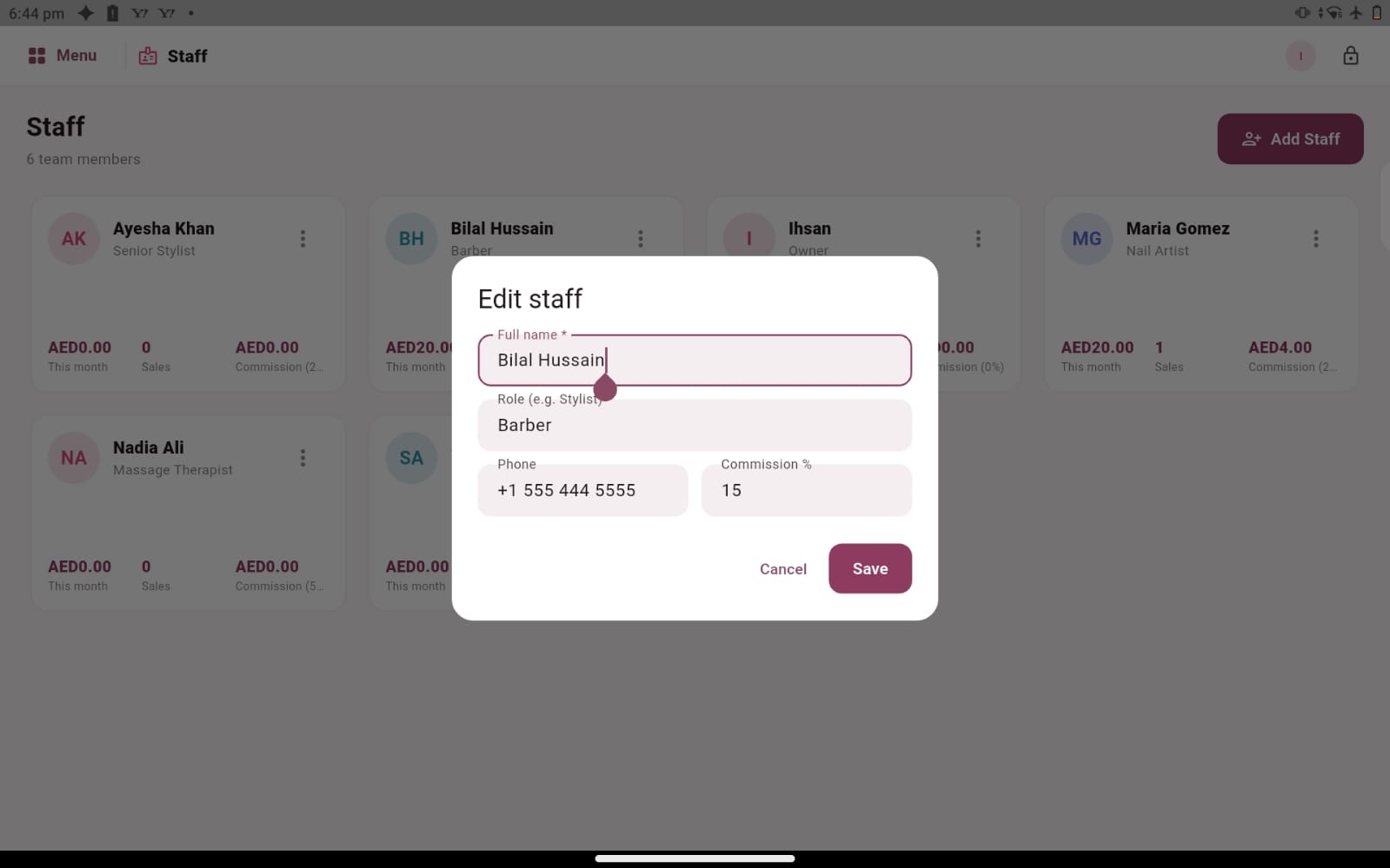
Put team information where it can be reviewed
Behind a good salon experience is a team whose responsibilities need to be understood. Staff records, roles, sales and commission percentages all contribute to that picture. When the same information lives in separate notes, it becomes harder to explain how a particular figure was reached. Salozi provides a staff workspace where you can explore these records together and establish a clearer basis for everyday administration.
Begin with accurate staff profiles and a shared understanding of who performs each part of the process. A manager may maintain the records while reception checks the staff associated with a sale. The precise routine belongs to your business, but everyone involved should understand why the details matter before a busy working day begins.
Make commission rules clear before reviewing totals
A commission percentage is useful only when people understand what it applies to. Your salon may have a general staff percentage or different arrangements for particular services. Salozi’s staff screens include commission percentages and service-specific rates, giving you a practical starting point for discussing how your existing arrangements could be represented.
Bring real examples of your commission rules to the demonstration. Explain whether your team needs to distinguish between services, how a manager checks the recorded work and which exceptions tend to cause questions. Ask to review a sample sale and its associated staff information. This is more useful than assuming that a percentage displayed on a profile covers every arrangement in your business.
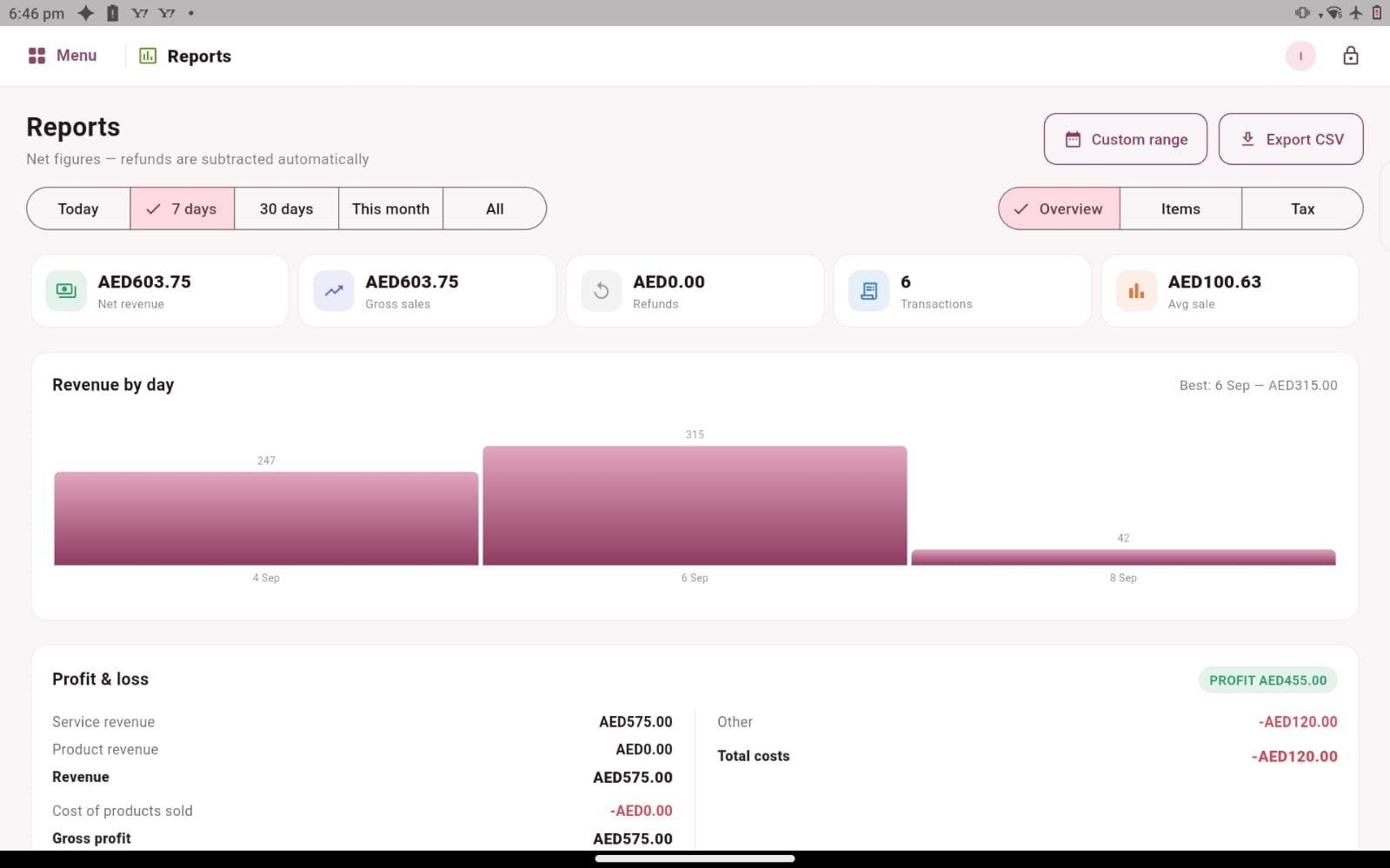
Use staff sales as the start of a conversation
Staff sales records can help a manager review the work recorded against team members, but a sales number does not describe the whole customer experience. Service duration, the mix of work and the responsibilities someone carries can all affect how figures should be discussed. Use the software to find the relevant records, then bring your knowledge of the business to the conversation.
For example, a stylist handling longer colour appointments may have a different pattern of transactions from a colleague providing shorter services. A beauty therapist may also work across several service categories. Reviewing the underlying activity gives the discussion more context than comparing a single total without considering how the working day was organised.
Create a reliable review routine
Choose a regular time to review staff records and resolve questions while the work is still familiar. Check the recorded sales, confirm the relevant commission arrangements and identify any details that need clarification. A consistent routine gives team members a clear place to raise questions and helps managers avoid carrying unresolved issues into the next period.
Discuss your requirements for payroll, attendance, leave, employment documents or specialised commission calculations separately. The visible staff workflow demonstrates profiles, sales and commission rates; it should not be treated as a promise that every payroll or human-resources function is included. A focused demo helps you understand how the available staff records fit into the broader way you manage your team.
PRACTICAL QUESTIONS
Before you choose your software
What makes a useful commission demonstration?
Choose one straightforward service and one example that usually needs explanation. Bring the applicable percentages and describe who checks the final figures. Ask to see how staff information and the sale are reviewed, then confirm how any special arrangements would be handled for your business.
Can this help a small salon as well as a larger team?
The same need for clear records exists with two people or a larger team, although the review routine may differ. Tell us how many staff members you have and who maintains their information. We can focus the conversation on the amount of administration your team actually handles.
Who should maintain the commission information?
Agree a responsible person within your business and a review process before the records are used in team discussions. Ask the demo presenter to show the relevant staff and service fields, then compare them with your written arrangements. Clear responsibility helps the team know where to raise a question and gives the manager a consistent way to check information before explaining a result.